Cube Runner 3D Arcade
Review
Cube Runner offers a straightforward yet addictive arcade experience. The automatic forward movement lets players focus on dodging obstacles and collecting coins. The game speeds up gradually, providing a satisfying difficulty curve. It is easy to pick up and play repeatedly without getting boring. The visuals are clean and the performance is smooth on desktop browsers. This game is ideal for casual players looking for a quick, family-friendly challenge.
Full story
Game Introduction
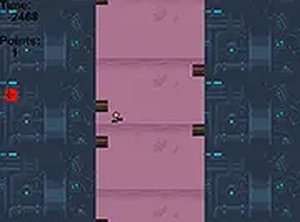
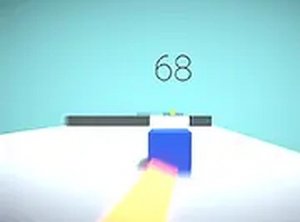
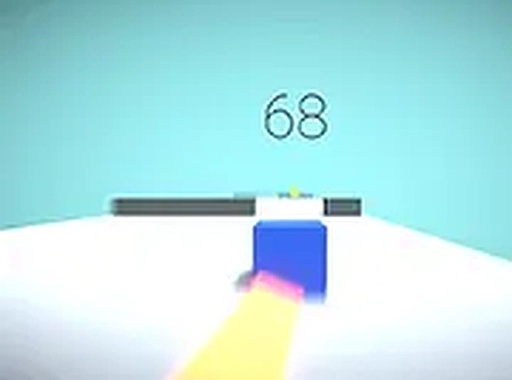
Cube Runner 3D Online Arcade Game is a fast-paced skill-based game where a cube block moves forward automatically through a colorful 3D level. The main objective is to dodge obstacles that appear in the path while collecting shiny coins to increase the score. The game features clean graphics and simple mechanics that are easy to understand. It is designed for desktop play and runs smoothly in any browser. Players of all ages can enjoy quick gaming sessions or longer playtimes. The challenge increases as the game speeds up, requiring quick reflexes and precise timing. Cube Runner provides a family-friendly experience with no violent or inappropriate content.
How to Play
To play Cube Runner, use the keyboard or mouse to control the cube's movement. The cube runs forward on its own, so you only need to move left or right to avoid obstacles. Collect coins along the way to boost your score. The game becomes faster as you progress, demanding faster reactions to prevent crashes. You can play in full screen mode for a more immersive experience. Simply access the game in your browser, and you are ready to start running. No downloads or installations are needed. The controls are responsive and easy to learn, making it accessible for new players.
Game Features
Game features include fast-paced 3D runner gameplay. Automatic movement keeps the action going. Obstacle dodging tests your reflexes. Coin collection adds a scoring element. Full screen mode provides an immersive experience. Free browser play means no downloads or installations. The game is optimized for desktop use and runs smoothly. It offers endless replayability with increasing difficulty.
Tips for Success
To succeed in Cube Runner, focus on staying calm as the speed increases. Anticipate obstacles by watching the path ahead and plan your moves early. Collect as many coins as possible without risking a crash. Practice regularly to improve your reflexes and timing. Use the full screen mode to minimize distractions. Remember that the game rewards precision over speed, so avoid unnecessary movements.