
Game Introduction
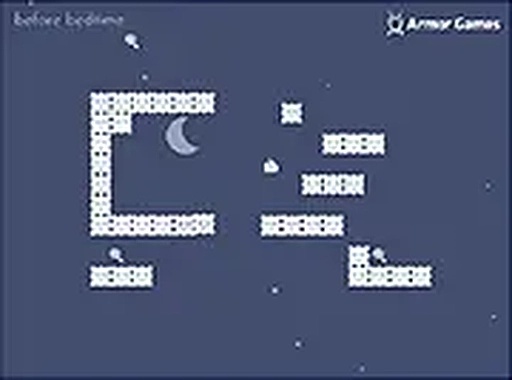
Dream Sky Block Puzzle is a free puzzle platformer set in a colorful dream world. Players control a character who sleeps and jumps on sky blocks, navigating a landscape that changes as they play. The goal is to collect all lollipops while avoiding nightmares that can end the game. Bouncers help reach higher platforms, and the sky fades as you jump, making each move count. This game is free to play in a browser, supports full screen mode, and is designed for desktop computers. It offers a lighthearted challenge for players of all ages, with simple controls and engaging mechanics.
How to Play
To play Dream Sky Block Puzzle, use the keyboard or mouse to jump on sky blocks. The main objective is to collect all lollipops scattered across the dream world. Avoid nightmares that can end your game. Use bouncers to reach higher platforms and navigate tricky areas. Be careful not to fall down, as the sky begins to fade when you start jumping, making it harder to see your path. Plan your moves carefully to collect every lollipop before time runs out and you wake up. The game is easy to learn but offers enough challenge to keep you engaged. For the best experience, play on a desktop with a stable internet connection. You can switch to full screen mode for a more focused session.
Game Features
Colorful graphics create a cheerful dream world. Simple controls make the game accessible for all ages. Engaging puzzle platformer mechanics require careful planning. The sky fading effect adds a unique challenge. Bouncers help reach higher platforms. Free to play in a browser with full screen support.
Tips for Success
Take your time to observe the layout of sky blocks before jumping. Use bouncers strategically to reach lollipops on higher platforms. Avoid rushing, as the fading sky can disorient you. Practice your timing to avoid nightmares and falling. Plan your route to collect lollipops efficiently.






Comments
0 comments